Table of Contents
- The User Research Economy: Why Fortune 500 Brands Pay $10 to $60 Per Test
- Top Usability Platforms Tested: UserTesting vs Trymata vs Userlytics vs IntelliZoom
- Hardware & Environment Setup: How Audio Quality Guarantees 5-Star Ratings
- Mastering the Screener Exam: The Think-Aloud Protocol That Gets You Accepted
- Scoring High-Yield Moderated Live Interviews: $60 to $120 Per Hour
- Rating Optimization: How to Maintain 5 Stars and Maximize Weekly Test Invites
- Payment Mechanics, Tax Reporting & Realistic Monthly Income Modeling
- Comparison Table: Top Usability Testing Platforms Ranked by Payouts
- Frequently Asked Questions
The User Research Economy: Why Fortune 500 Brands Pay $10 to $60 Per Test
When massive digital conglomerates like Google, Airbnb, Nike, and Walmart redesign their mobile applications or checkout flows, a single confusing button or ambiguous navigation label can cost them tens of millions of dollars in abandoned shopping carts. For product designers and UX researchers, discovering software bugs and user friction after a global software launch is catastrophic.
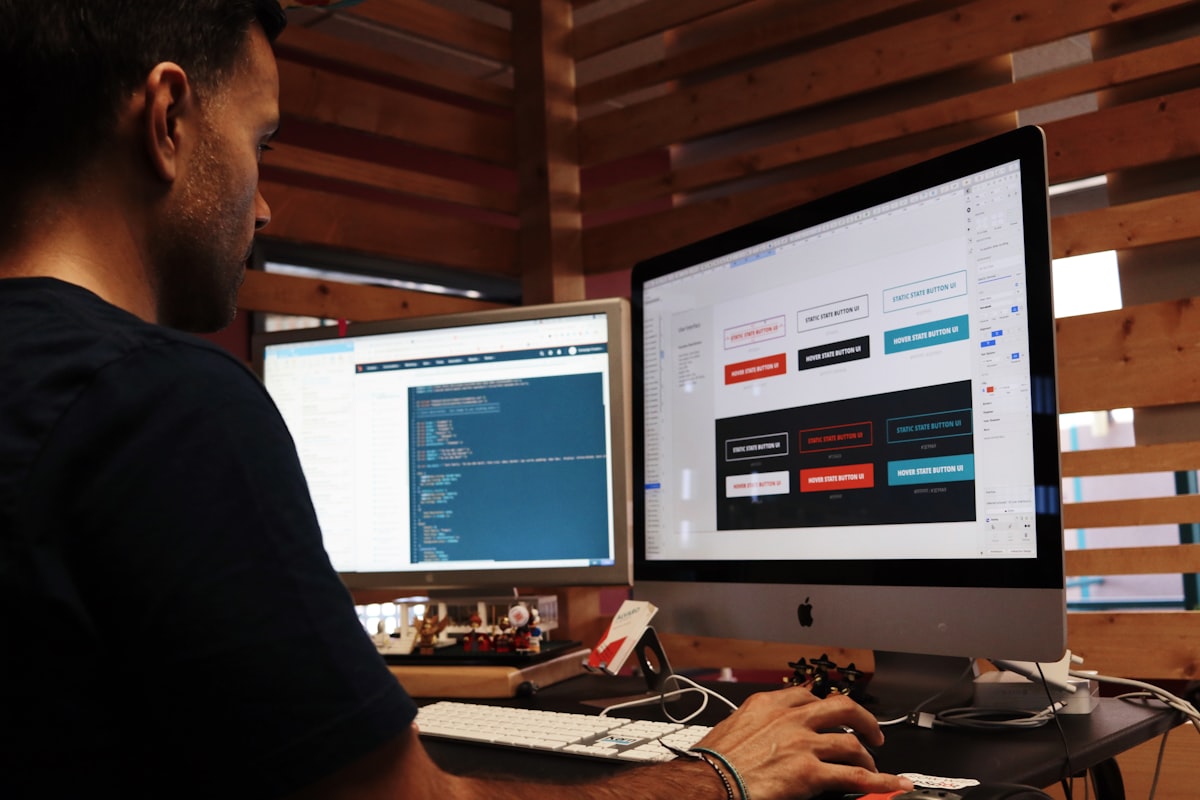
To prevent these costly missteps, enterprise product teams rely heavily on unmoderated remote usability testing. They hire real everyday consumers to navigate new website prototypes, test mobile checkout flows, and share their candid, unfiltered thoughts aloud while their computer screen and microphone are recorded. Rather than guessing why users drop off, UX researchers watch exactly where testers hesitate, what instructions they misread, and what features cause confusion.
Because the insights gathered from these 15-to-20-minute video tests directly save companies millions in engineering and lost sales, platforms like UserTesting, Trymata, and Userlytics pay qualified testers $10 to $20 for standard 15-minute tests, and $60 to $120 for 60-minute live moderated interview sessions. In this definitive guide, we break down the exact strategies, audio setups, and testing protocols required to build a reliable $50 to $100/day income stream from home.
Top Usability Platforms Tested: UserTesting vs Trymata vs Userlytics vs IntelliZoom

To generate consistent daily income, testers must maintain active, verified profiles across multiple platforms simultaneously:
1. UserTesting (usertesting.com) — The Undisputed Market Leader
UserTesting is the largest, highest-paying user research network in the world. It processes hundreds of thousands of tests each month for Fortune 500 corporations. Standard unmoderated screen-recording tests pay a flat $10 per 15-to-20-minute session, with automated PayPal payouts delivered exactly 7 days after completion. Moderated live interviews with corporate researchers pay $30 for 30 minutes, $60 for 60 minutes, and up to $120 for specialized executive sessions.
2. Trymata (formerly TryMyUI — trymata.com)
Trymata specializes in web usability audits. Tests pay $10 each via PayPal every Friday. Their proprietary screener engine evaluates written demographic surveys and mobile screen recordings, offering consistent test volume for testers based in the US, UK, Canada, and Europe.
3. Userlytics (userlytics.com)
Userlytics offers diverse testing formats, from short 5-minute prototype card-sorting tasks paying $5, to extensive 30-minute mobile app usability studies paying $20 to $40. They frequently require webcam video alongside screen recording to analyze facial expressions during onboarding flows.
4. IntelliZoom Panel (by UserZoom)
IntelliZoom delivers two distinct test types: simple 3-minute multiple-choice survey studies paying $2 each, and standard 15-minute think-aloud video recordings paying $10. Payouts arrive via PayPal within 21 business days.
Hardware & Environment Setup: How Audio Quality Guarantees 5-Star Ratings
The single biggest reason novice testers receive low 1-star ratings and get banned from testing networks is abysmal audio recording quality. Researchers listen through high-end studio headphones; if your audio contains loud background television noise, room echo, keyboard clatter, or muffled laptop mic distortion, the test is rejected and unpaid.
The Professional Tester Hardware Checklist
- External USB Microphone or Headset: Never use your laptop’s built-in microphone. Invest in an affordable USB cardioid microphone (like the Fifine K669B or Blue Yeti Nano) or a crisp USB headset (like the Jabra Evolve). Clear vocal presence is the #1 criterion researchers use to award 5-star tester ratings.
- Stable High-Speed Internet: Usability software uploads large 1080p video screen recordings to cloud servers immediately upon test completion. A minimum upload speed of 10 Mbps ensures smooth uploads without file corruption.
- A Silent, Distraction-Free Room: Close all windows, turn off household air conditioners or fans, silence smartphone notifications, and ensure pets or family members do not interrupt during a recording.
Mastering the Screener Exam: The Think-Aloud Protocol That Gets You Accepted

To join any usability platform, applicants must submit a 5-minute practice sample test. Over 80% of applicants fail this initial audition because they do not understand the Think-Aloud Protocol.
The Anatomy of a Flawless Think-Aloud Audit
Novice testers make the mistake of sitting in silence while browsing, or simply reading the on-screen text aloud like a robot. High-earning professional testers continuously verbalize their internal cognitive thought process, expectations, and emotional reactions:
- Describe Your Intentions Before Clicking: ‘I am looking for the checkout shipping calculator. I see an icon in the top right, so I am clicking that expecting a modal dropdown.’
- Express Confusion Constructively: ‘The contrast on this gray text is very faint against the white background, making it hard to read. Furthermore, I cannot tell if this coupon code was actually applied because the total price did not update.’
- Evaluate First Impressions Honestly: ‘The homepage hero image looks modern and inviting, but the primary call to action button is buried beneath three paragraphs of text. I would prefer to see the search bar immediately above the fold.’
Never stop speaking for more than five seconds. Continuous, articulate, constructive feedback is what clients eagerly pay top dollar to hear.
Scoring High-Yield Moderated Live Interviews: $60 to $120 Per Hour

While $10 asynchronous tests provide steady daily income, the real money in user research is in Moderated Live Conversations. During a moderated session, you join a 1-on-1 Zoom or Microsoft Teams call with a lead UX researcher or product director from companies like Spotify, Microsoft, or Intuit.
How to Qualify for Live Sessions
Live interviews are targeted at specific professional backgrounds or consumer demographics (e.g., ‘Small business owners using QuickBooks’, ‘Frequent international airline travelers’, or ‘Software developers managing AWS infrastructure’). To maximize invitations:
- Fill out your demographic profile with 100% completeness: accurately list your industry, household income, software tools used daily, and subscription services.
- Keep the UserTesting dashboard open in a background browser tab with audio alerts enabled. Live session screeners fill up within 60 seconds of posting.
- Show up 5 minutes early in a quiet, well-lit room wearing professional casual attire. Researchers reward articulate, engaging participants by re-inviting them to ongoing quarterly research panels at premium rates.
Rating Optimization: How to Maintain 5 Stars and Maximize Weekly Test Invites

Usability algorithms distribute incoming tests based strictly on your Tester Star Rating. A tester with a perfect 5.0-star average receives 20 to 40 screener invitations per day. If your rating drops to 4.2 stars, your invite volume drops by 80%; drop below 4.0 stars, and you will receive zero tests.
The Golden Rules of 5-Star Tester Retention
- Follow Every Instruction Literally: If the prompt asks you to ‘Find a men’s running shoe under $120, add it to your cart, but DO NOT complete the purchase’, execute each micro-step in exact sequence. Accidentally completing a dummy purchase or failing to add the shoe results in an immediate 1-star penalty from the client.
- Answer Follow-Up Written Questions Thoroughly: After recording finishes, platforms present 2 to 4 written survey questions. Write detailed, complete 2-to-3 sentence responses rather than lazy one-word answers like ‘Good’ or ‘Easy’.
- Spend Sufficient Time on Each Task: Never rush through a test in 4 minutes just to grab another. Average 12 to 18 minutes per test to provide thorough, deliberate analysis.
Payment Mechanics, Tax Reporting & Realistic Monthly Income Modeling
Understanding the realistic financial expectations prevents disappointment and helps you structure usability testing as a reliable side hustle:
Realistic Monthly Income Breakdown (Active Daily Tester)
- Unmoderated Tests ($10 each): Completing 3 to 4 tests per day (approx. 60 to 75 minutes of total testing time) = $30 to $40/day ($900 to $1,200/month).
- Moderated Live Interviews ($60 each): Scoring two 60-minute live sessions per week = $120/week ($480/month).
- Total Monthly Potential: $1,380 to $1,680/month in pure side-hustle cash.
Tax Considerations for Independent Testers
In the United States, usability platforms report payments via IRS Form 1099-NEC (or PayPal reports via 1099-K if thresholds are met). As an independent contractor, set aside 25% to 30% of your testing earnings for quarterly estimated taxes. Keep track of hardware expenses (USB microphones, webcam, computer monitors) as valid business write-offs against your testing income.
Comparison Table: Top Usability Testing Platforms Ranked by Payouts
The matrix below compares the top verified usability testing platforms operating in 2026:
| Platform | Standard Test Pay | Live Interview Pay | Payment Schedule | Payment Method | Test Volume |
|---|---|---|---|---|---|
| UserTesting | $10 – $20 | $30 – $120 | Exact 7 days post-test | PayPal | Very High (Industry Best) |
| Trymata | $10 | N/A | Every Friday | PayPal | Moderate |
| Userlytics | $5 – $20 | $40 – $90 | Bi-weekly | PayPal | Moderate to High |
| IntelliZoom | $2 – $10 | N/A | 14 – 21 business days | PayPal | Moderate |
Frequently Asked Questions
Do I need professional UX design or web development experience to be a tester?
Not at all! Companies specifically want everyday, ordinary consumers who represent their target customer base. If you are an experienced software engineer or UX designer, you often have to unlearn technical jargon; companies want to hear natural human reactions like: ‘I don’t understand what this button does’, not technical code analysis.
Why do I get screened out of so many tests?
Screeners are designed to locate very specific customer demographics for a particular client (e.g., ‘People who have booked a flight to Europe in the last 30 days and own a dog’). Getting screened out of 70% to 80% of screeners is completely normal across the industry. Treat screeners as a quick numbers game—it takes 15 seconds to answer a screener, and qualifying for 3 or 4 per day yields steady income.
Can I do usability testing from a smartphone or tablet?
Yes! Both UserTesting and Userlytics offer dedicated iOS and Android mobile apps. Mobile tests pay the same $10 rate and often take even less time (10 to 12 minutes). You will record your phone screen and microphone while testing mobile apps and mobile-responsive websites.
Do I have to show my face on camera during tests?
For the vast majority of standard $10 tests, only your screen and microphone audio are recorded. A small percentage of unmoderated tests and all 60-minute live moderated sessions require a webcam so researchers can see your facial expressions and establish rapport.
Editorial Disclosure: TechSide AI delivers rigorous, independent technology evaluations, financial frameworks, and solopreneur blueprints. We may earn affiliate commissions from software or platform purchases made through links on our site. This never compromises our financial modeling, operational assessments, or editorial integrity.